
Drone Mapping Essentials
Led by industry expert Dylan Gorman, you’ll gain the confidence and skills needed to navigate complex aerial mapping projects and capitalize on opportunities in this fast growing segment of the drone industry.
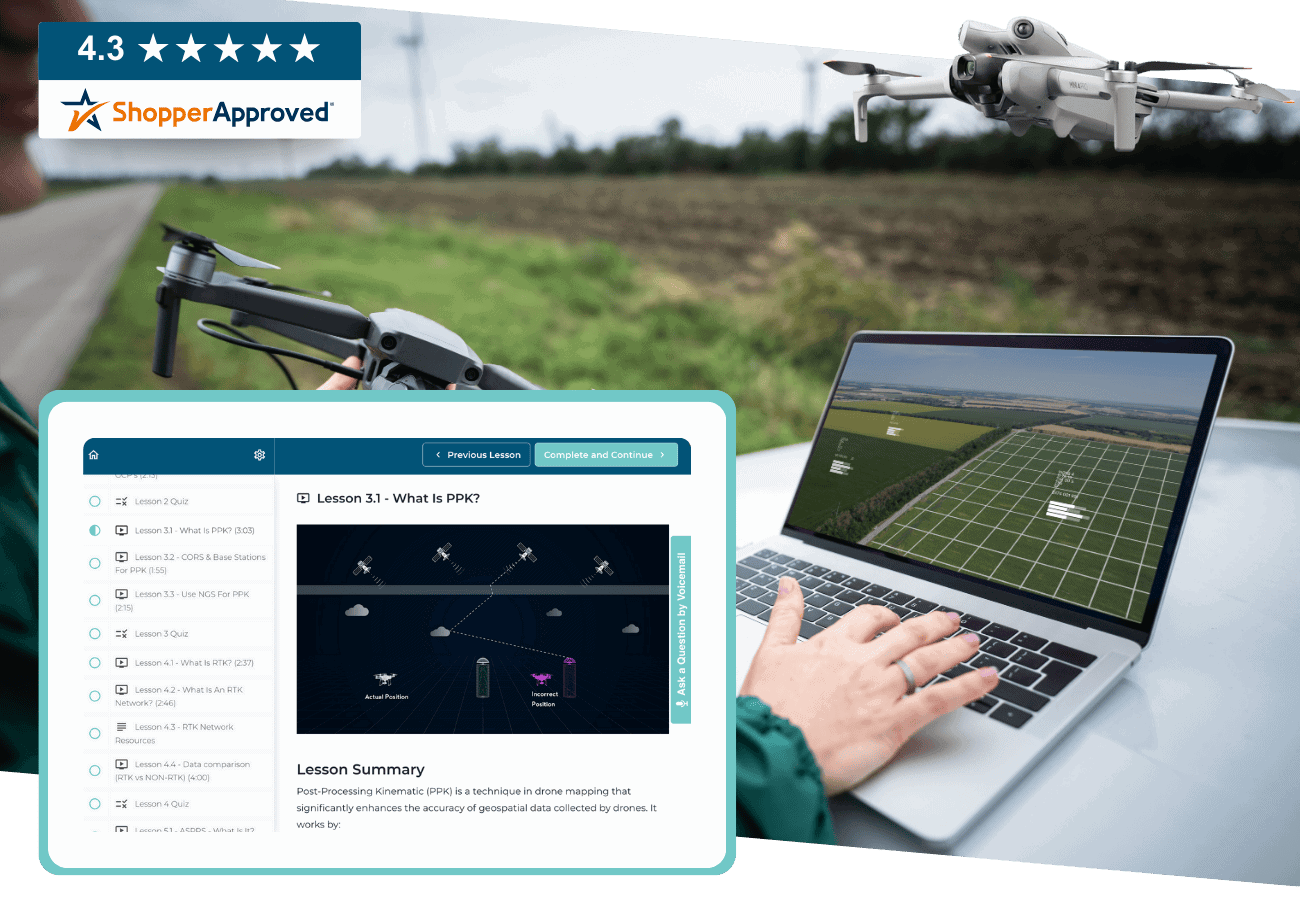
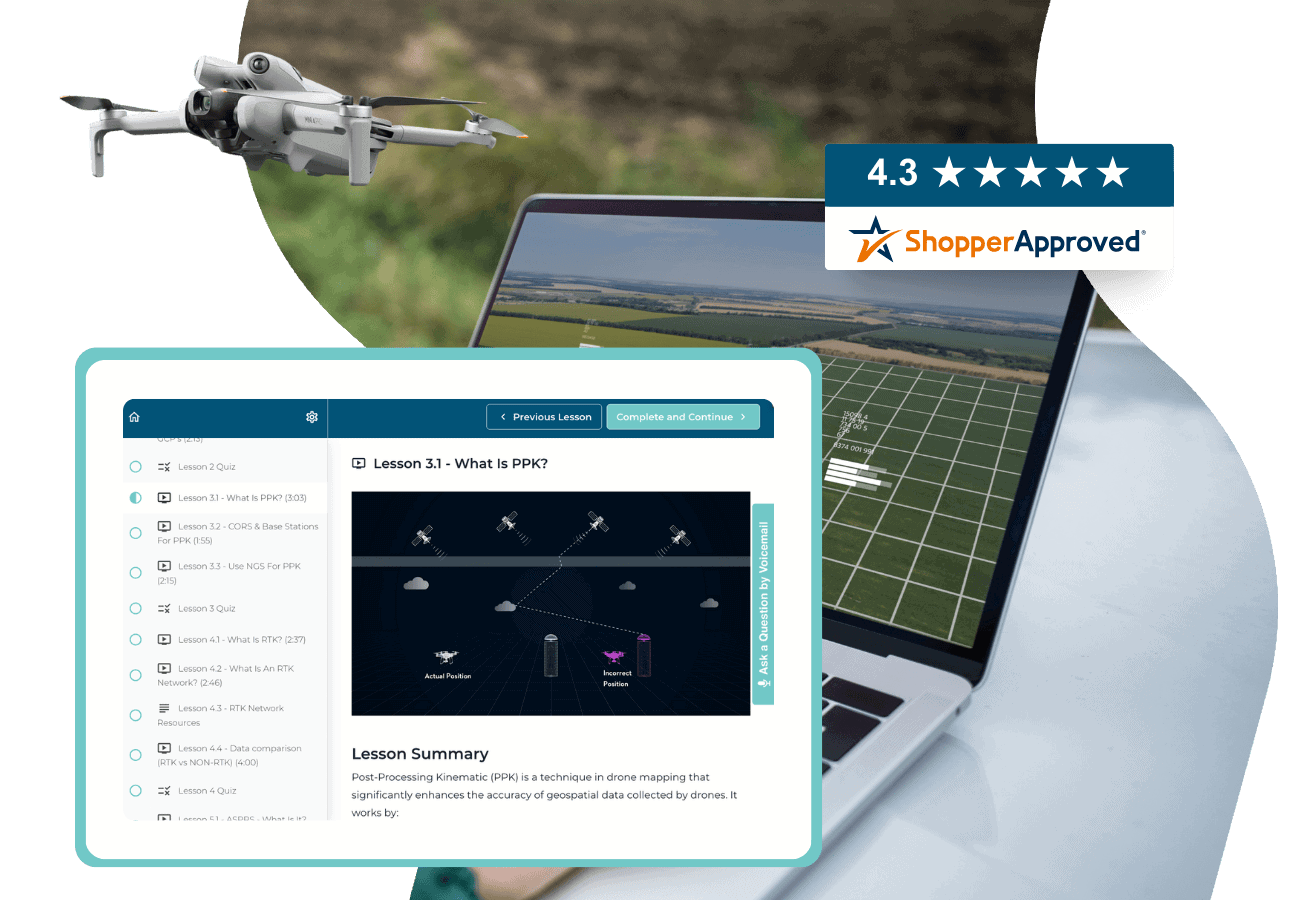
“Excellent course that provides a deep-dive into the drone mapping discipline. Highly recommend!“
Kevin
Arizona
“I didn’t realize how much I didn’t know until I took this course. Awesome information, and a fantastic course. Dylan really knows his stuff. I’m inspired to get mapping.”
Kip
California
“Great training with very useful hands on exercises to help walk through mission planning, the mission, downloading and processing to create amazing deliverables.”
Matthew
Iowa


100+ Instructional Videos
Engage in 10+ hours of learning modules focused on real-world application with high-quality videos.

Quizzes to Test Your Knowledge
Feel confident in what you're learning so you can succeed in future drone mapping missions.

Downloadable Resources
Enjoy equipment, mission planning, and multiple data capture checklists to utilize in your drone mapping missions.

Real World Data
Gain hands-on experience with downloadable sets of real data to apply techniques in your own projects.
Become a drone mapping pro
- Develop Technical Skills: Master the art of drone mapping by capturing aerial images and using specialized software for 3D mapping.
- Select the Right Equipment: Choose the appropriate drone, camera, and software tailored to specific survey needs for optimal results.
- Plan Flights Effectively: Execute flight paths with ample overlap to ensure thorough data capture, considering factors like altitude and obstacles.
- Ensure Accuracy in Data Processing: Set up Ground Control Points (GCPs) and align captured data meticulously for precise 3D model creation.
- Navigate Airspace Regulations: Understand and adhere to airspace regulations and legal requirements for safe and compliant drone operation.
- Thrive in Competitive Markets: Identify target markets such as construction and agriculture, building a strong portfolio to succeed in the competitive drone mapping industry.
WHAT'S INCLUDED
- 102 video lessons with 9 hours of content covering everything from equipment used to full data processing
- Downloadable resources to apply your learning directly to your missions
- Final exam to test your knowledge for confidence in the real world

Why Choose Us
1
One-on-one
Support
2
Money-back
guarantee
3
lifetime
access
Full Curriculum
Learn everything in 9 hours — with 102 step-by-step lessons you can watch anytime, anywhere.
Course Overview
1.1 Course Introduction
1.2 Instructor Introduction
1.3 Course Navigation
1.4 Course Curriculum Overview
1.5 Course Materials
1.6 Glossary of Aerial Mapping Terms
1.7 Need Help? Contact Us
What is Photogrammetry?
2.1 Module 2 Overview
2.2 How Aerial Photogrammetry Evolved
2.3 How Drones in Photogrammetry Have Evolved
2.4 The Math Behind Photogrammetry – The Concepts
2.5 Photogrammetry vs LiDAR – Are They the Same?
2.6 Module 2 Quiz
2.7 Module 2 Resources
Industries That Use Drone Mapping
3.1 Module 3 Overview
3.2 Industries That Use Drone Mapping
3.3 How AEC Uses Drone Mapping
3.4 How Engineers Use Drone Mapping
3.5 Construction Drone Mapping Use Cases
3.6 Engineering Drone Mapping Use Cases
3.7 Module 3 Resources
Equipment Overview
4.1 Module 4 Overview
4.2 Drones Used for Mapping
4.3 3 Categories for Quads
4.4 Camera Sensors Used for Mapping
4.5 Science Behind Camera Sensors
4.6 Field Tools for Photogrammetry & Mapping
4.7 Office Tools for Photogrammetry & Mapping
4.8 Accuracy Tools for Photogrammetry & Mapping
4.9 Equipment Checklist
4.10 Module 4 Quiz
How to Generate Accurate Maps
5.1 Module 5 Overview
5.2 What Is Visual Accuracy?
5.3 Case Study (Solving for GSD on Pavement Assessment Project)
5.4 GSD Data Sample Breakdown
5.5 How to Solve for GSD
5.6 Lesson 1 Quiz
5.7 What Is Physical Accuracy?
5.8 What Are GCPs?
5.9 Understanding the Systems Behind GCPs
5.10 NGS Monuments for GCPs
5.11 Lesson 2 Quiz
5.12 What Is PPK?
5.13 CORS & Base Stations for PPK
5.14 Use NGS for PPK
5.15 Lesson 3 Quiz
5.16 What Is RTK?
5.17 What Is an RTK Network?
5.18 RTK Network Resources
5.19 Data Comparison (RTK vs Non-RTK)
5. 20 Lesson 4 Quiz
5.21 ASPRS – What Is It?
5.22 Types of Data Covered
5.23 Accuracy Classes
5.24 Horizontal & Vertical Accuracy
5.25 How to Meet ASPRS Standards
5.26 Lesson 5 Quiz
5.27 Module 5 Resources
Methodology for Data Acquisition
6.1 Module 6 Overview
6.2 Nadir Capture
6.3 Oblique Capture
6.4 Vertical Capture
6.5 Methods of Data Capture
6.6 Mission Planning Best Practices
6.7 Mission Planning Guide
6.8 Module 6 Quiz
Software for Data Acquisition + Deep Dive
7.1 Module 7 Overview
7.2 What Is Data Acquisition Software?
7.3 Two Types of Software
7.4 DJI Pilot 2 Deep Dive
7.5 Drone Link Deep Dive
7.6 Drone Deploy Deep Dive
7.7 Mission Planning Checklist
7.8 Data Acquisition Software Overview
Software for Data Processing & Visualization + Deep Dive
8.1 Module 8 Overview
8.2 What Is Data Processing Software?
8.3 Types of Data Processing Software
8.4 WebODM Deep Dive
8.5 Pix4D Matic Deep Dive
8.6 Drone Deploy Deep Dive
8.7 Data Processing & Visualization Software Overview
Full Process for Data Acquisition
9.1 Module 9 Overview
9.2 Mission Planning Refresher
9.3 Setting Up a Safe Area of Operations (SAOO)
9.4 DJI Pilot 2 Full Process
9.5 Drone Link Full Process
9.6 Drone Deploy Full Process
9.7 Data Offload Procedures
9.8 Module 9 Data Download
9.9 Data Capture Checklist
Full Process for Data Processing (2D Maps)
10.1 Module 10 Overview
10.2 Module 10 Application Downloads
10.3 Project Setup Best Procedures
10.4 2D WebODM Data Processing
10.5 2D Drone Deploy Data Processing
10.6 2D Pix4D Matic Data Processing
Ground Control Point (GCP) Utilization & Workflows
11.1 Module 11 Overview
11.2 GCP Control Book Review
11.3 Setting Control On Site
11.4 Locating GCPs On Site
11.5 Visually Marking Control On Site
11.6 Best Methods for GCP Data Capture
11.7 Live GCP Data Capture
11.8 Project Setup Best Procedures
11.9 GCP Full Process – Pix4D Matic
11.10 GCP Full Process – Drone Deploy
11.11 Module 11 Data Download
11.12 GCP Data Capture Checklist
Precision Mapping with Post-Processed Kinematic (PPK) Workflows
12.1 Module 12 Overview
12.2 Mission Planning for PPK
12.3 Using CORS for PPK
12.4 Using NGS for PPK
12.5 Equipment for PPK
12.6 Project Setup Best Procedures
12.7 Emlid Studio for PPK Processing
12.8 Module 12 Data Download
12.9 PPK Data Capture Checklist
Real-Time Kinematic (RTK) Processing Workflows
13.1 Module 13 Overview
13.2 Best Process for RTK Data Capture
13.3 Mission Planning for RTK Capture
13.4 Equipment for RTK Capture
13.5 RTK vs GCPs
13.6 RTK via NTRIP
13.7 RTK via Private Base Station
13.8 RTK via D-RTK 2
13.9 RTK Data Processing
13.10 Module 13 Data Download
13.11 RTK Data Capture Checklist
Professional Data Deliverable Production
14.1 Module 14 Overview
14.2 What Are Deliverables
14.3 Deliverable Creation with WebODM
14.4 Deliverable Creation with Pix4D Matic
14.5 Deliverable Creation with Drone Deploy
14.6 Module 14 Data Download
Final Exam
15.1 Final Exam Prep
15.2 Final Exam Study Guide
15.3 Final Exam
15.4 Congratulations on Completing the Course! Need a Certificate of Completion?
15.5 Leave Us a Review
Your Drone Mapping Course Instructor

Dylan Gorman
Founder, PilotByte
Dylan Gorman is the founder of Pilotbyte and an experienced commercial drone pilot with over 10 years of experience, the last 5 of which have been focused on drone photogrammetry. He has completed and managed over 5000 flight missions in this field and has a successful track record in the industry. Gorman has also sold a drone business and now works as an educator in the drone space, sharing his knowledge and expertise with others.
Frequently Asked Questions
ABOUT THE COURSE
PAYING FOR THE COURSE
CUSTOMER SUPPORT
We’re here to help! For technical support as well as questions about the course content, email us at support@uavcoach.com. You can also leave us a voice message by pressing the “Ask a Question by Voicemail” button inside the course.
We want to hear from you. Email us at support@uavcoach.com and give us your feedback. If we can’t make it right, you can rely on our 30 Day Money Back Guarantee.