FREE ONLINE COURSE
Unlock the Power of Your DJI Mavic 3E
Your Drone Can Do More Than You Think
Skip the forums and the manual—this free, on-demand course gives you a clear, expert-led walkthrough of the DJI Mavic 3E. Learn faster, fly smarter, and confidently use your drone for mapping, surveying, and commercial applications.
In this course, you’ll learn how to:
Navigate the DJI Pilot app and flight modes with ease
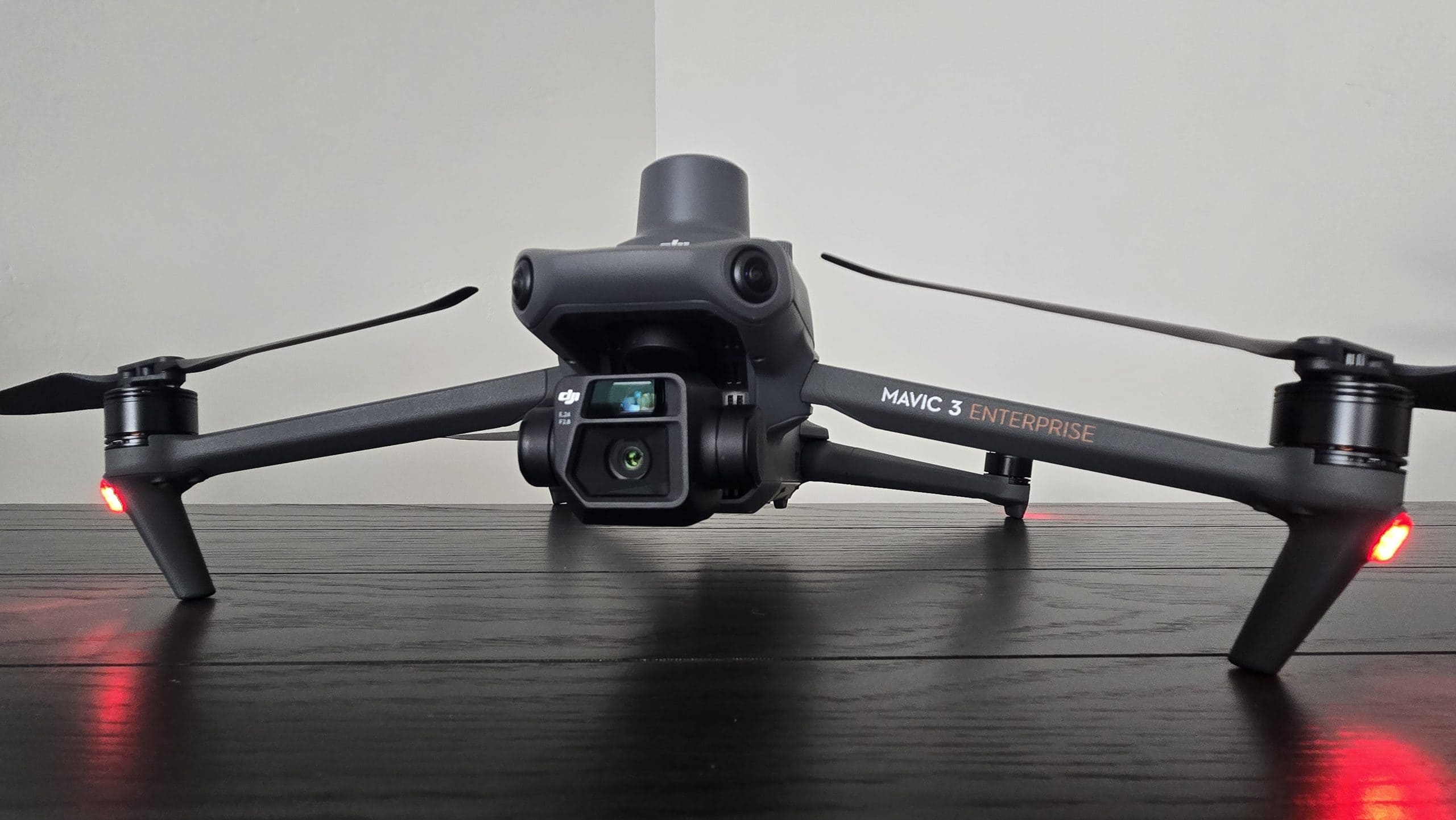
Understand and operate the dual-camera system for mapping and imagingUse the remote controller, joysticks, dials, and customizable buttons effectively
Manage batteries, sensors, and preflight setup for safer, more efficient flights
Get the most out of your drone for enterprise, mapping, or inspection work—without the guesswork

★★★★★
Trusted by 350,000+ Drone Pilots
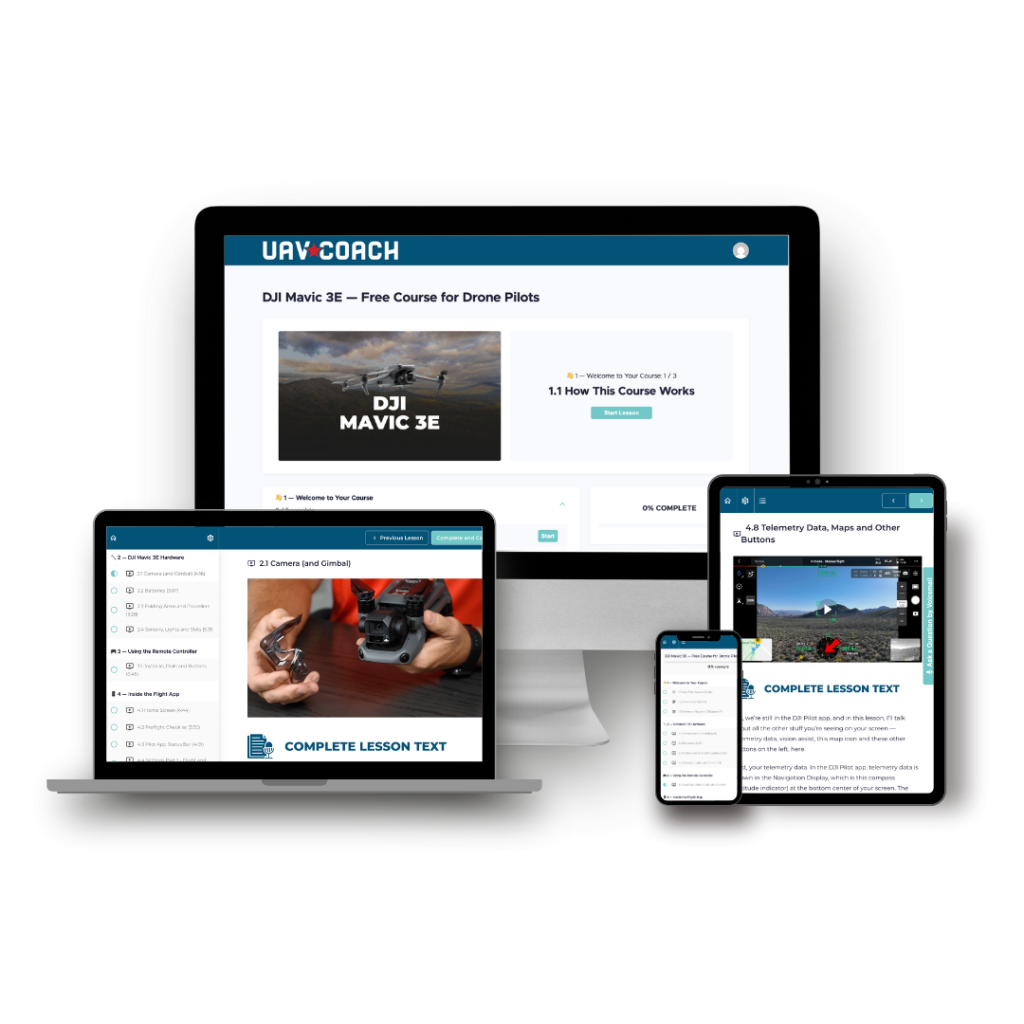
Inside Your DJI Mavic 3E Training
- Master the Gear – Get to know your drone’s hardware from top to bottom—from the dual-camera system and gimbal to batteries, sensors, lights, and folding arms.
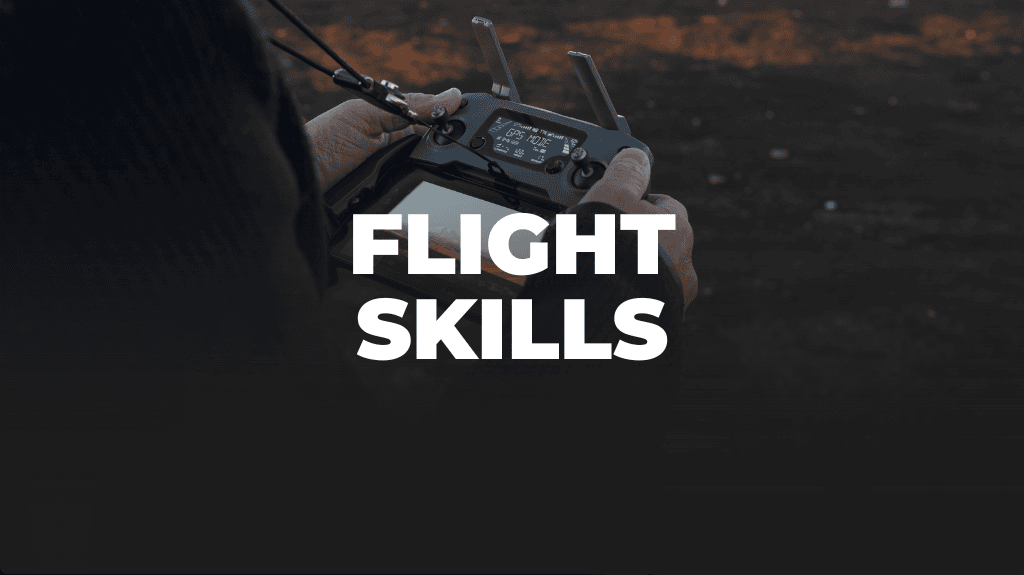
- Fly With Confidence – Learn exactly what every joystick, dial, and button on the RC Pro Enterprise controller does, plus how to navigate the DJI Pilot app for safe, precise flight.
- Map and Inspect Like a Pro – Understand camera modes, telemetry, and mapping functions so you can capture accurate imagery for surveying, inspections, and other commercial applications.
- Cut the Learning Curve in Half – Skip YouTube rabbit holes and outdated advice. Get everything in one place, curated by trusted experts.
Full Curriculum
Welcome to Drone Pilot’s Guide to DJI Mavic 3E
1.1 How this Course Works
1.2 How to Contact Us
1.3 Where to Buy the DJI Mavic 3E
DJI Mavic 3E Hardware
2.1 Camera (and Gimbal)
2.2 Batteries
2.3 Folding Arms and Propellers
2.4 Sensors, Lights and Slots
Using the Remote Controller
3.1 Joysticks, Dials and Buttons
Inside the Flight App
4.1 Home Screen
4.2 Preflight Checklist
4.3 Pilot App Status Bar
4.4 Settings Part 1 – Flight Obstacle Avoidance Settings
4.5 Settings Part 2 – Controller and Other General Settings
4.6 Settings Part 3 – Precise Positioning and Common Settings
4.7 Camera Modes and Settings
4.8 Telemetry Data, Maps and Other Buttons
4.9 Mapping Functions
Your DJI Mavic 3E Course Instructor

Ken Bouvier
Drone Flight Instructor, UAV Coach
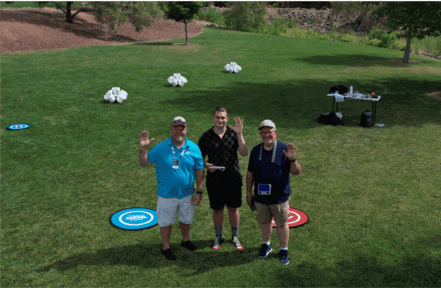
This course is taught by UAV Coach Flight Instructor Ken Bouvier, a certified drone pilot and aviation professional with over 30 years of aerospace experience. Ken runs The SkyButler, a drone services business in St. George, Utah, offering aerial photography, videography, and inspections for construction, roofing, and insurance clients. He holds a Bachelor's degree in Aeronautics from Embry-Riddle Aeronautical University and is a co-inventor on six U.S. patents related to aircraft operations. Ken brings a deep understanding of drone technology and a knack for making complex topics clear, practical, and beginner-friendly.
HEAR FROM OUR AMAZING CUSTOMERS
This is a dynamite way to learn about your new and feature packed drone. The visuals are outstanding and the full written dialogue is helpful.
Very informative while not information overload. Really makes you want to do the next course. Well done All.
It's a great way to get familiar with this particular drone and controller. The instructor goes into a lot of detail to get you up to speed on how everything operates. I just ordered this drone and it was a great help while I'm waiting for it to arrive.
Frequently Asked Questions
ABOUT THE COURSE
No drone? No problem. You don’t need to own a DJI Mavic 3E to take this course. Whether you’re researching before you buy or waiting for your drone to arrive, this is a great way to get familiar with the features and settings ahead of time.
The course is self-paced, so you can start it anytime and take as long as you need to complete it.
You will have lifetime access.
The course is 100% online. As soon as you sign up, you will be able to see the entire course. You can access the lessons anytime, anywhere – on your desktop, tablet or phone.
PAYING FOR THE COURSE
We know how confusing it can be to get started with a new drone—especially with long manuals and scattered tutorials. This course is our way of giving back to the drone community and helping more pilots fly confidently, without the frustration.
CUSTOMER SUPPORT
We’re here to help! For technical support as well as questions about the course content, email us at support@uavcoach.com. You can also leave us a voice message by pressing the “Ask a Question by Voicemail” button inside the course.
We want to hear from you. Email us at support@uavcoach.com and give us your feedback.
Questions? Email enroll@uavcoach.com or call us at 888-626-1490.